Waruna,
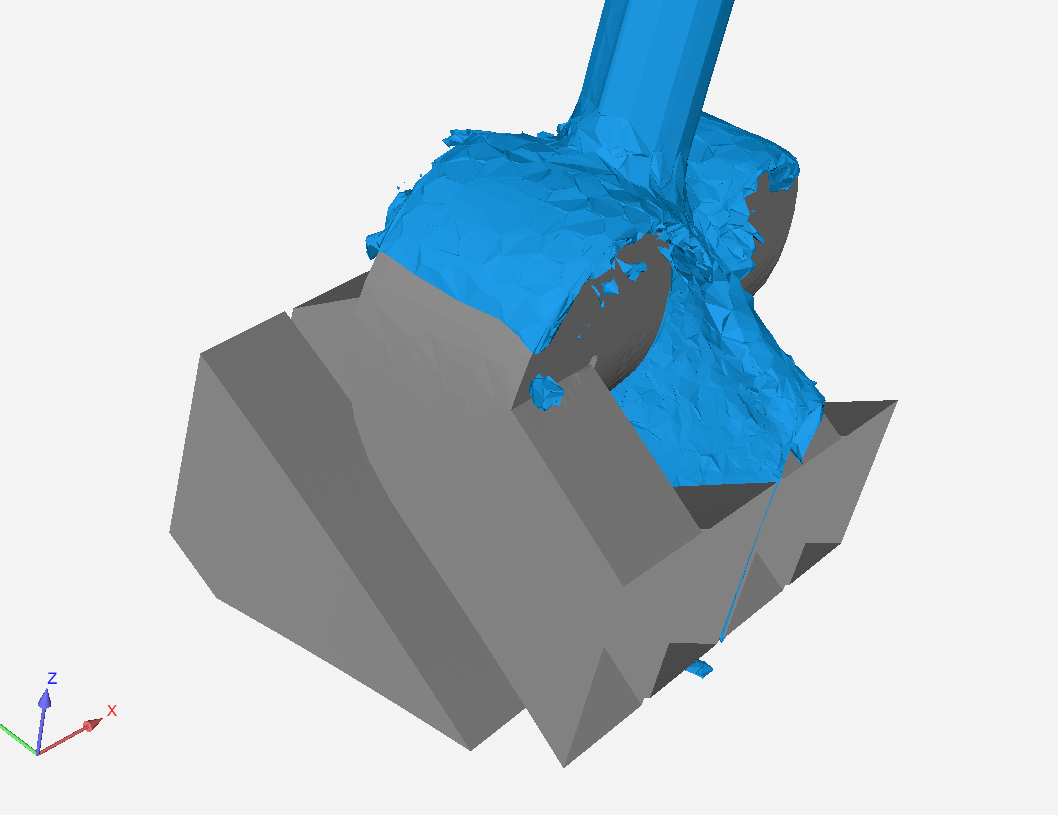
Kevin Colburn here, long time user (and product manager) for EnSight. You are almost on the right track. The creation of the isosurface is the correct first step. Second step, is to Dist2Part() calculator function. This returns a scalar field, not a single number. This calculation requires two parts to be selected. Orgin part, and target part. The target part will receive the new variable (Dist2Part). The origin part is the part to which the minimum distance will be calculated. In your situation, my first inclination would be for the isosurface part to be the target part, and the geometry part as the origin part. You can then color the isosurface with that distance. Now, this is the minimum distance. Imagine a swimming pool, with the isosurface as the water-air interface. Near the vertical walls of the pool, the minimum distance would be very close to zero, which is not really the 'depth' of the pool. If your geometry was ONLY the bottom of the pool, then this method would work as you expect.
Once Dist2Part is calculated, I might suggest a clip of that isosurface, and graph the Dist2Part along that 1D clip, to give you a "profile" (or graph) of the minimum distance for that cross section. You can then interactive move the clip back/forth to understand the variation in the other plane.
I appologize for the delayed response.


















 You are navigating away from the AIS Discovery experience