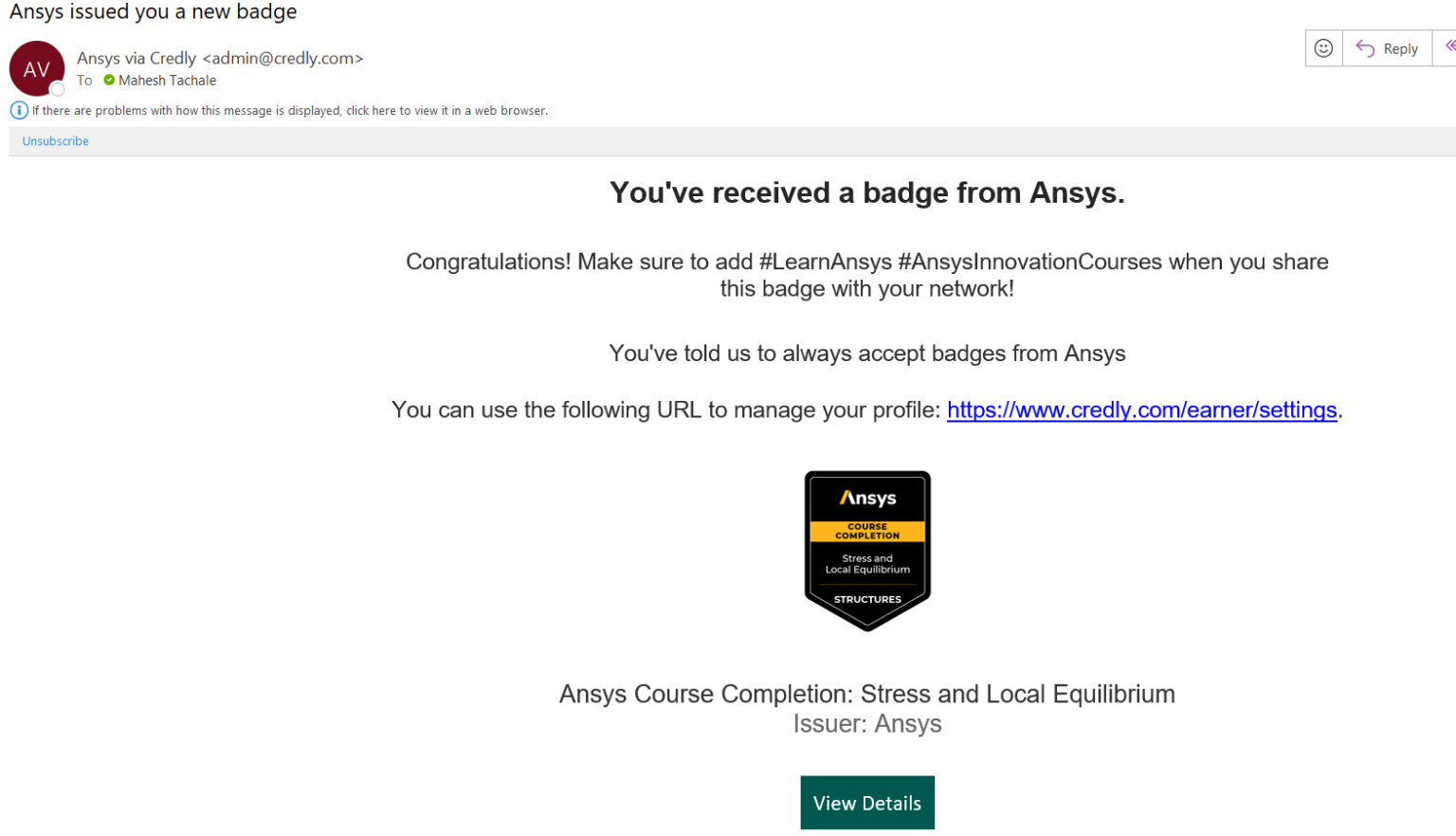
1. In the email received click on View Details to accept the badge.
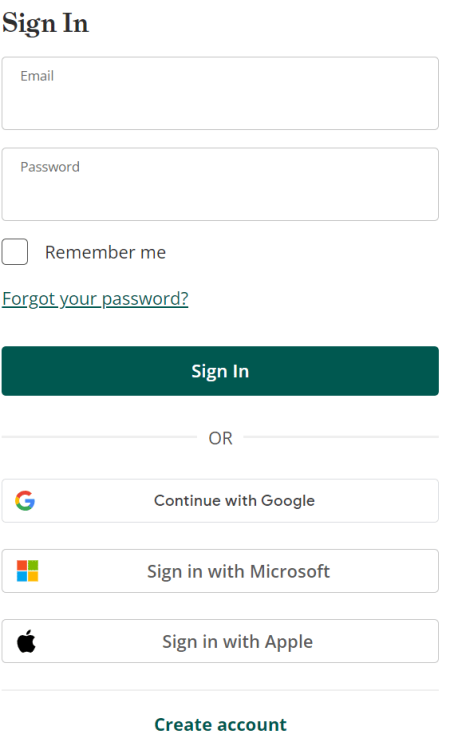
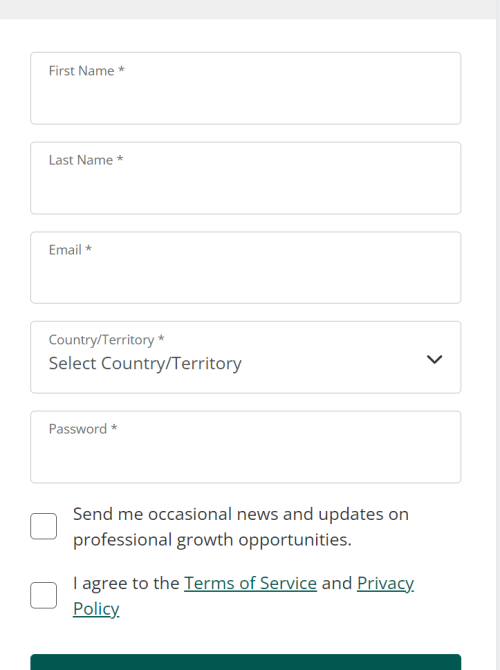
2. First-time users need to create an account with Credly.
3. For creating account on Credly use the same email address as used for courses site.
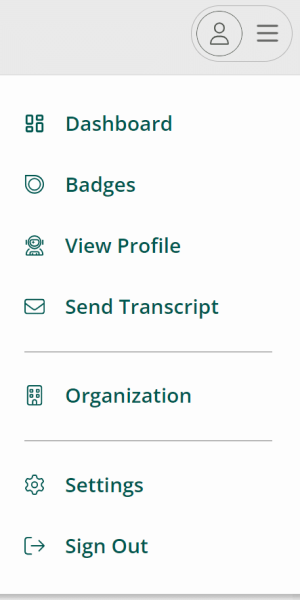
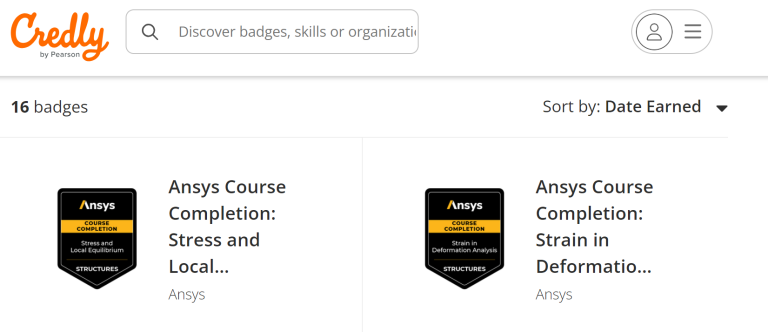
4. Login to Credly and click on Badges under profile section.
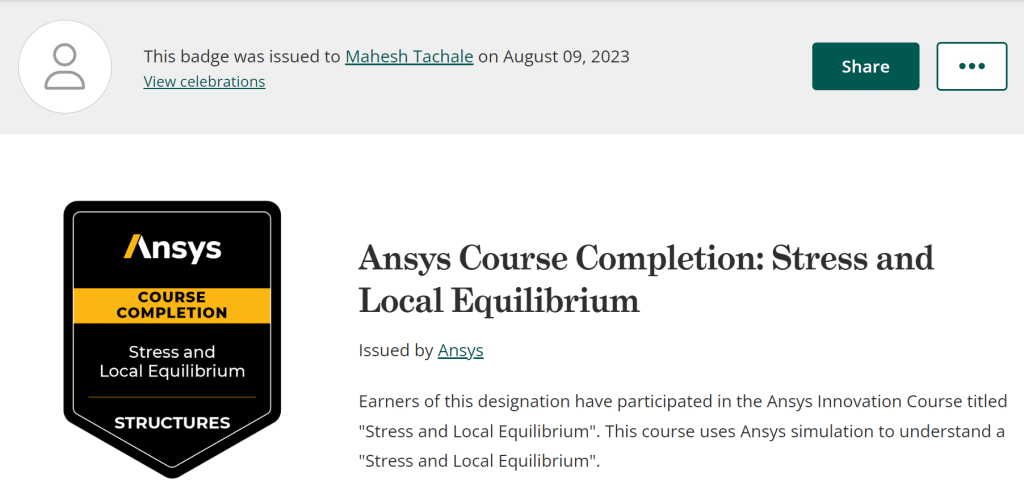
5. Select the earned badge.
1. Click on Share to share in your professional network/social media (Facebook, LinkedIn, Twitter).
2. Click on the corresponding professional network where you want to share your achievement.
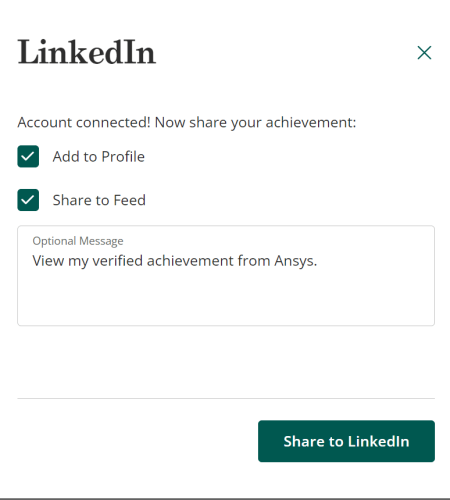
3. Click on the check boxes Add to Profile and Share to Feed for adding badge to your profile.
4. You can post the same on your professional network as shown below.