Ansys Rocky Space
A space that provides a unique learning experience and additional resources for Rocky users.
What’s New
Check out the latest updates about Ansys Rocky
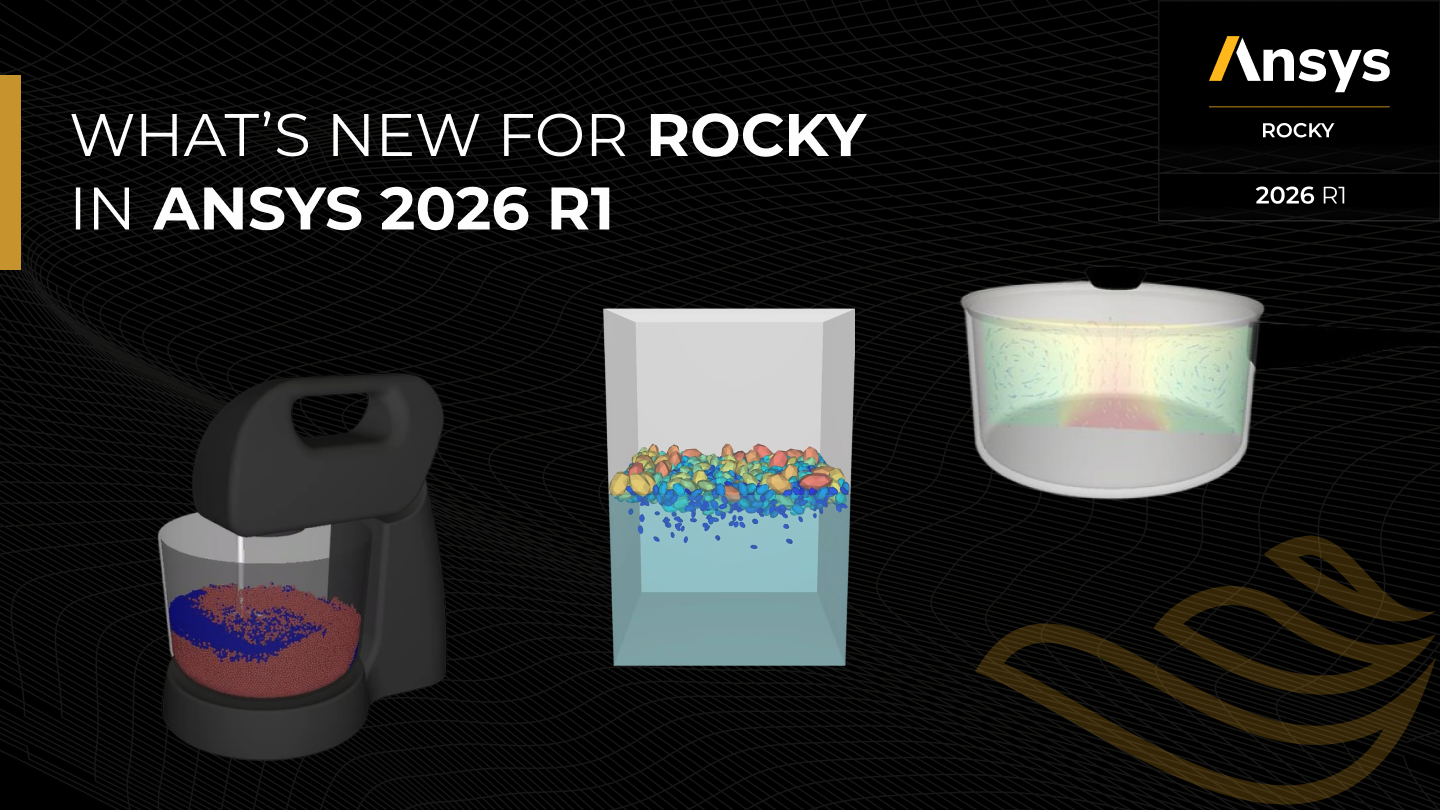
Release Highlights Ansys Rocky 2026 R1
READ HERE
[NEW] Rocky in Action – Deformable Particles
WATCH HERE

[NEW] Rocky Tutorials Index and Learning Path
ACCESS HERE
Rocky Knowledge
Find answers to the most common questions, review documentation and tutorials or watch a quick tip video to get better at using Ansys Rocky.

Rocky Manuals
Access Rocky product documentation

Rocky Tutorials
Learn Rocky through step-by-step tutorials

Rocky Videos
Watch Rocky how-to videos and demonstrations

Rocky Installation Guide
Check out the Ansys Rocky installation instructions

Rocky GPU Buying Guide
Explore the Rocky GPU buying guide

Rocky for developers
Explore Ansys Rocky APIs and PyRocky, a Python client library for remotely controlling Rocky.

Rocky Release Highlights
Explore major Rocky updates and enhancements

Rocky FAQs and Tips
Find answers, practical tips, and simulation guidance

Ansys Learning Hub
Explore the Ansys Rocky Learning Plan
Rocky Courses
Learn from subject matter experts and enhance your simulation skills.
EXPLORE ALL COURSES
→
Ansys Rocky Tutorial – Transfer Chute
Explore the basic steps for setting up, processing, and analyzing a Rocky project.
Ansys Rocky Tutorial – Static Angle of Repose Test
Follow a Rocky tutorial focused on a static angle of repose test.
Ansys Rocky Tutorial – Dam Break
Explore a Dam Break simulation through an Ansys Rocky tutorial.
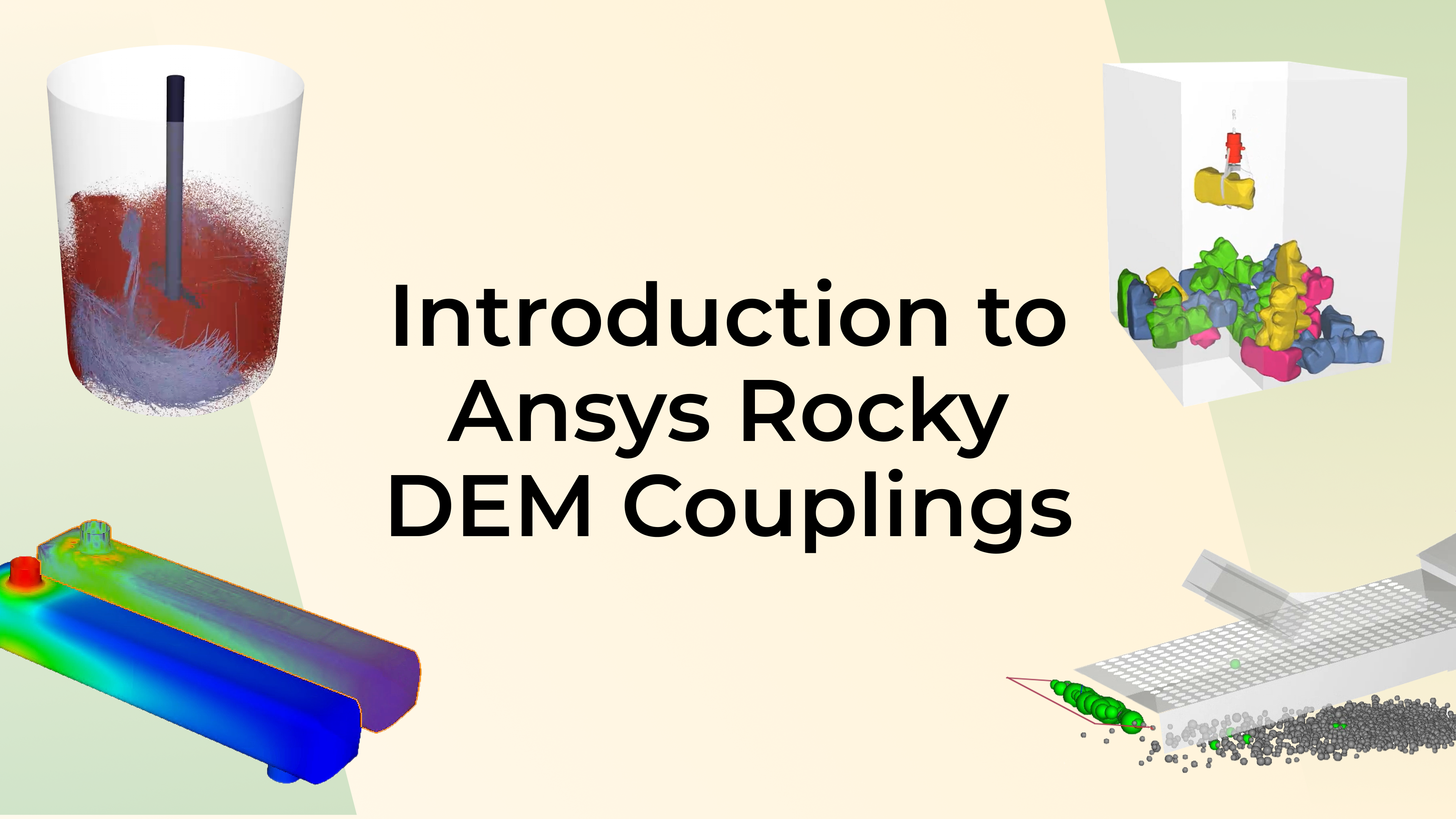
Introduction to Ansys Rocky DEM Couplings
Learn about coupling Ansys Rocky with other Ansys simulation tools.
Rocky Articles
Explore technical articles, practical guidance, and expert insights for Ansys Rocky.
EXPLORE ALL ARTICLES
→
FEATURED ARTICLE
How to debug your own Ansys Rocky Custom Modules-Rocky Solver SDK
In this article, we will walk through a step-by-step approach to debugging your own custom modules — from setting up your development environment to interpreting log messages and using external tools like Visual Studio for deeper inspection.
SOLVER SDK • CUSTOMIZATION
5 Great Rocky Modules to Improve Your Simulations
Explore Rocky modules and information to help you select tools for your simulation goals.
PREPOST SCRIPTING • AUTOMATION
5 FAQs about automating with Ansys Rocky™ PrePost scripting tool
Explore a step-by-step approach to debugging custom Rocky modules.
Ansys Rocky + Ansys EnSight: Leveraging Simulation Postprocessing to New Levels
Explore postprocessing and visualization possibilities using Ansys Rocky and Ansys EnSight.
Rocky Blogs
Check out all Ansys Rocky Blogs.

FEATURED BLOG
Mastering Multi-GPU in Ansys Rocky Software and Enhancing Its Performance
FEATURED BLOG
Maximizing Simulation Capabilities by Coupling Structural and Particle Software
FEATURED BLOG
Unlocking the Power of CFD-DEM Coupling: Modeling Fluid-particulate Systems
Rocky Webinars
Check out all Ansys Rocky Webinars.
ON DEMAND
Rocky in Action: Deformable Particles
This 15-minute webinar showcases Ansys Rocky and its solution for DEM deformable particles. Ansys Rocky high-fidelity particle simulations can now consider deformable particles – needed for high-impact and material compression situations – and in this webinar you will learn how these particles are modeled and how to easily extract meaningful results for material compaction applications.
WATCH WEBINAR
→
ON DEMAND
Rocky in Action: Material Storage
This 15-minute webinar showcases Ansys Rocky and material storage, a solution to build your material repository.
ON DEMAND
Rocky in Action: Battery Electrode Calendering
This 15-minute webinar showcases Ansys Rocky and its solution for calendering processes in battery manufacturing. We will show how Ansys Rocky can model the electrode and binder properties to capture a realistic battery compaction behavior.
Forum
Join the Conversation
Ask questions, find answers, and connect with the Ansys Rocky Community.
EXPLORE THE FORUM
→
Scripts & Add-ins
Extend and customize Ansys Rocky with modules, development tools, and scripts.
Rocky Modules
Extend Ansys Rocky with specialized modules that add functionality to your simulations.
Rocky Solver SDK
Develop custom modules to extend Ansys Rocky solver capabilities.
Rocky Scripts
Automate and customize Rocky model setup, data postprocessing, and results analysis.
Download Ansys Rocky
Get Ansys Rocky or start exploring the software with a free trial.
CURRENT USERS
Download Rocky
Access Ansys Rocky from the Ansys Download Center.
DOWNLOAD ROCKY
→
NEW TO ROCKY?
Try Rocky
Explore Ansys Rocky with a free 30-day trial.
START FREE TRIAL
→
Quick Links
Quick access to useful Rocky resources.


















 You are navigating away from the AIS Discovery experience