Ansys Assistant will be unavailable on the Learning Forum starting January 30. An upgraded version is coming soon. We apologize for any inconvenience and appreciate your patience. Stay tuned for updates.
General Mechanical

General Mechanical

Topics related to Mechanical Enterprise, Motion, Additive Print and more.

Modelling Ply using Cutoff Selection in Ansys ACP

    • zabee.k
      Subscriber

      Dear Forum,

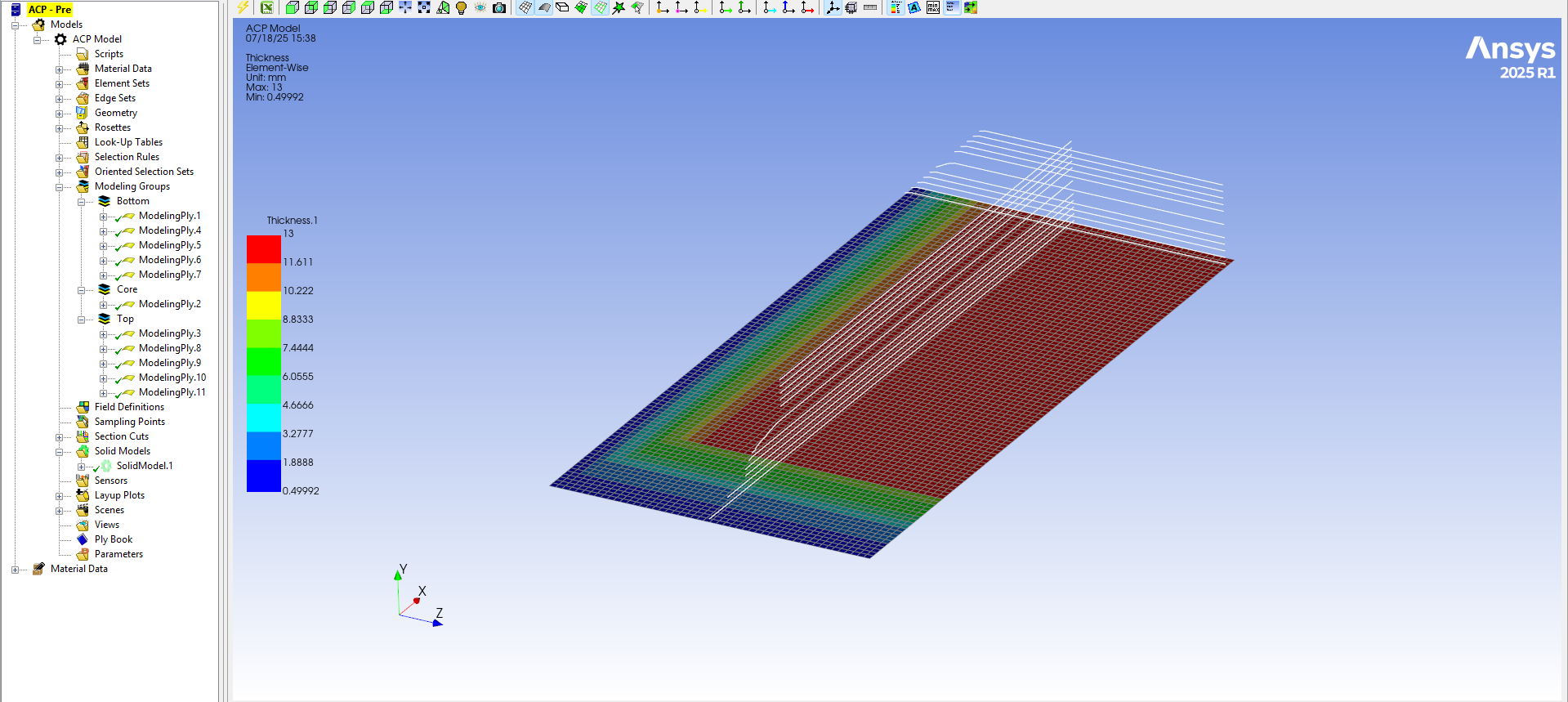
      im working on a layup with 11 layers, 6th layer being the core. I have 3 geometries which are used to cut out layers. Out of these 3 geometries one is a cylinderical surface and for this particular cut off selection layers are not effected, I cant see any cut out in the layup. But the other two geometries are working fine.

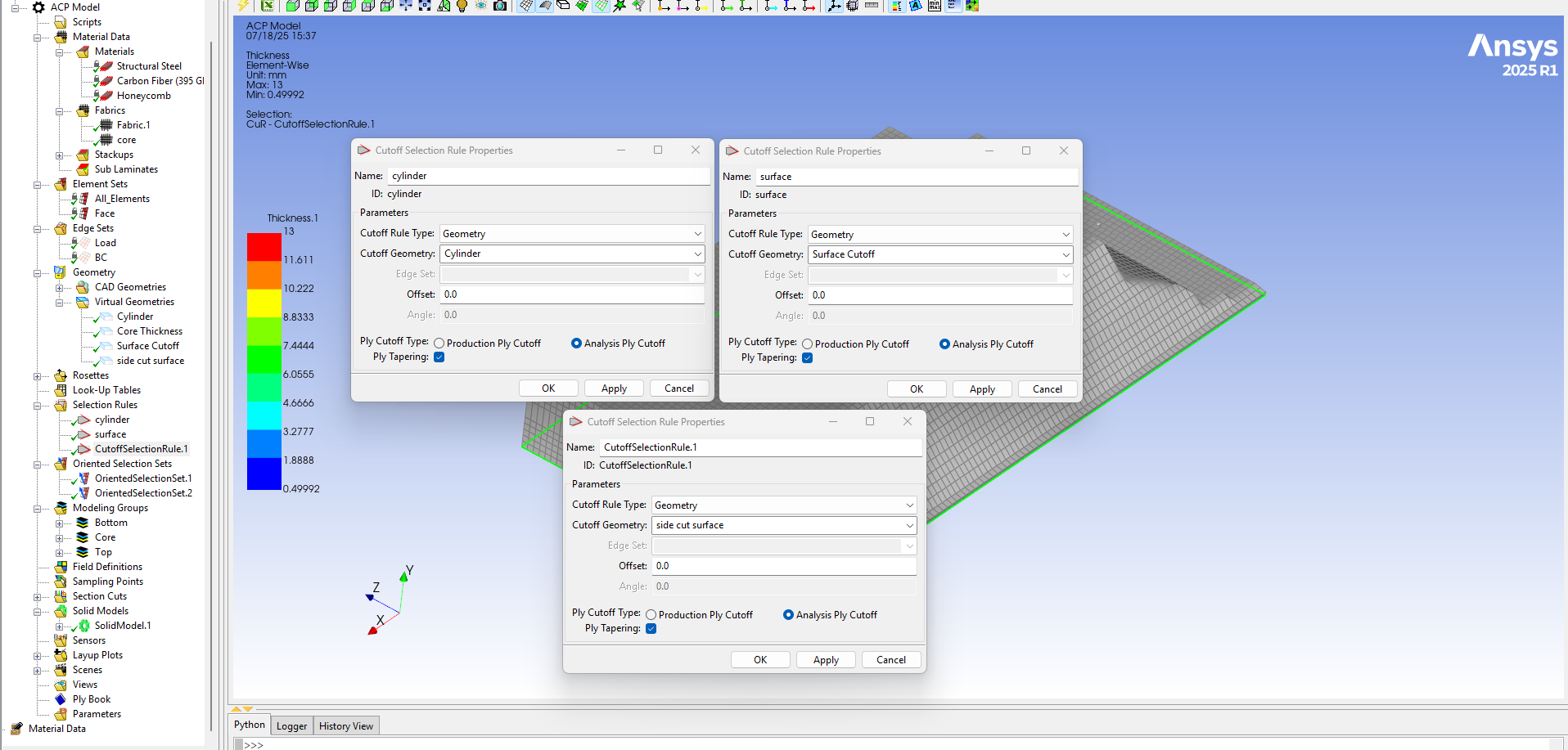
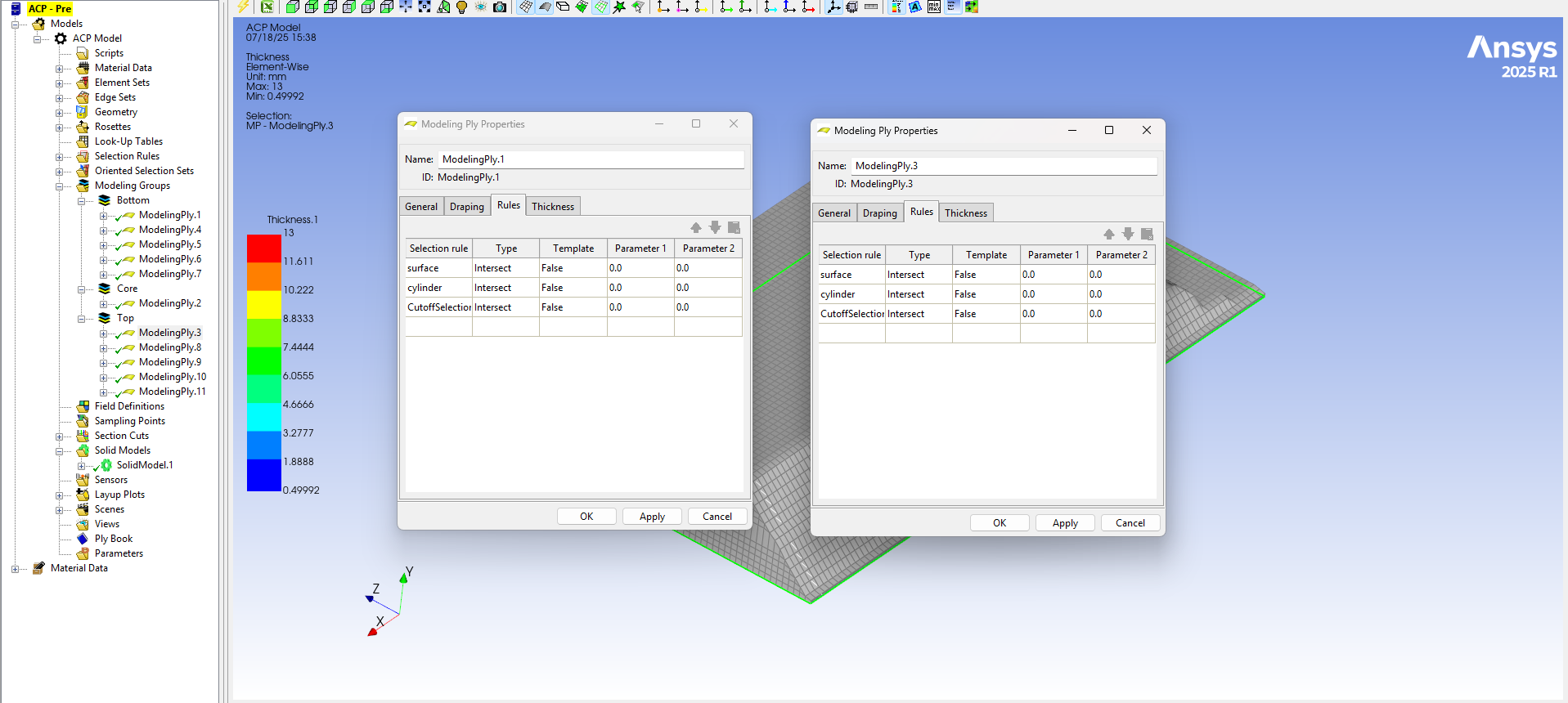
      I have created virtual geometry for these 3 geometries and added a cut off selection rule. Under rules in modelling ply, i have added these three cut off selection rules for all layers. 
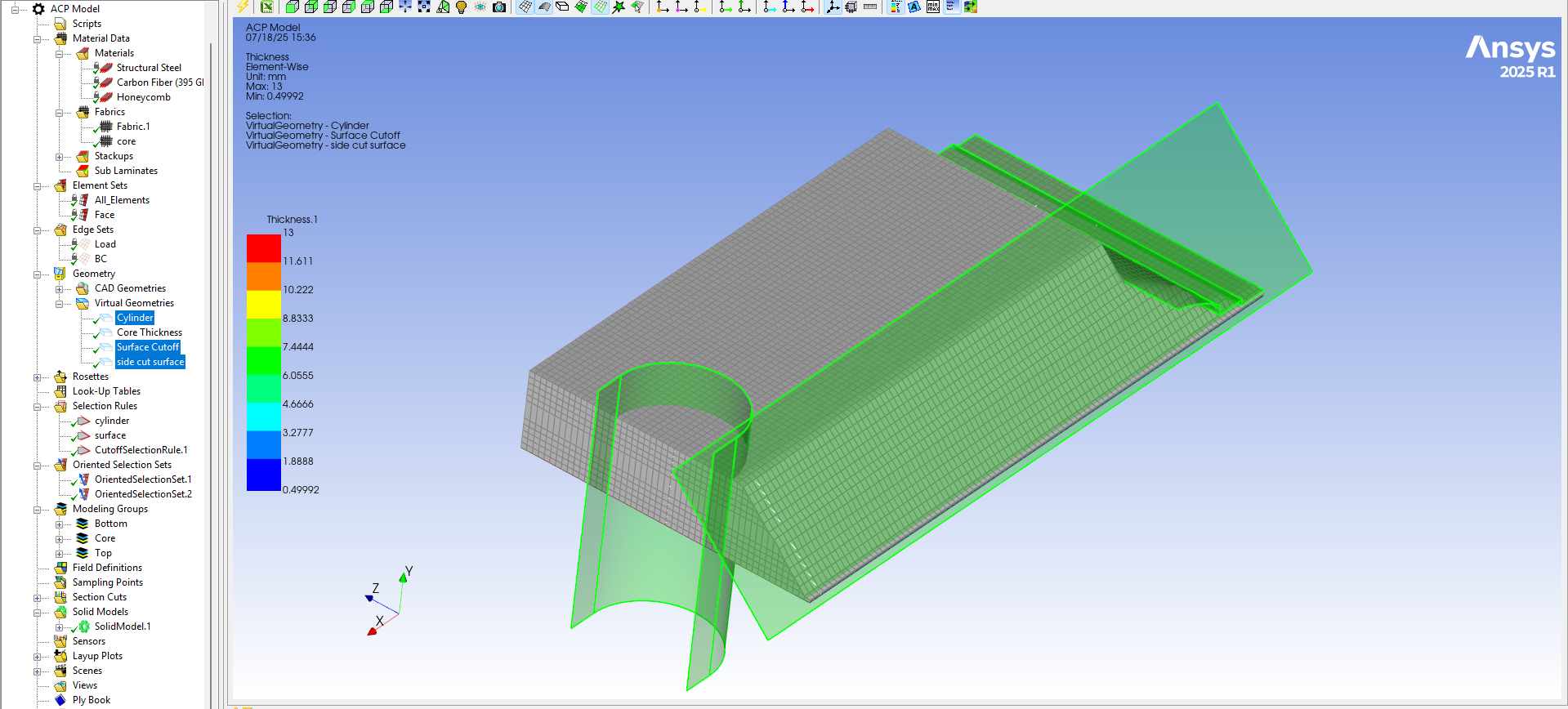
      Wanted to understand why the Cylindrical face cutoff selection is not working. The other two are working as expected and are cutting the layers. 


      Regards,

      Zabee



    • Thomas Hirche
      Ansys Employee

      Dear Zabee.k,

      this behavior is expected. When using cut-off-selection rules, ACP searches in element normal direction for the ruling CAD geometry. In your case the projection in elemement normal direction fails since there is no CAD face to find. If you want to exclude that cylindrical region you would need to use either a Geometrical Selection Rule or a Boolean Selection Rule where you combine Cylindrical and Parallel Selection Rules.

      Kind regards

      Thomas  

Viewing 1 reply thread
  • You must be logged in to reply to this topic.
[bingo_chatbox]