Hello,
I am trying to mesh a 3D geometry with Fluent Mesher which has several tapered gaps. Because of those gaps I get highly scewed surface elemets and the volume mesh fails.
I created a substitute geometry to try finding a solution.
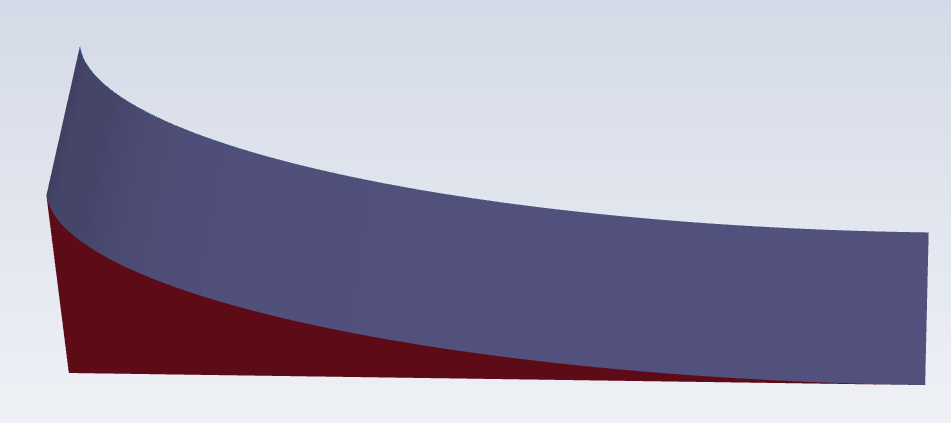
I can create a surface mesh, but I am getting highly scewed elements of course.
When I set the "check self proximity" to "yes" I get the error message
"Error: Unresolved gaps have been detected at the indicated locations. To resolve these gaps, either close the gaps using share topology or refine the mesh at the gaps.
Error Object: #f"
right away when I start the volume meshing and the problematic geometry is highlighted, as you can see below.
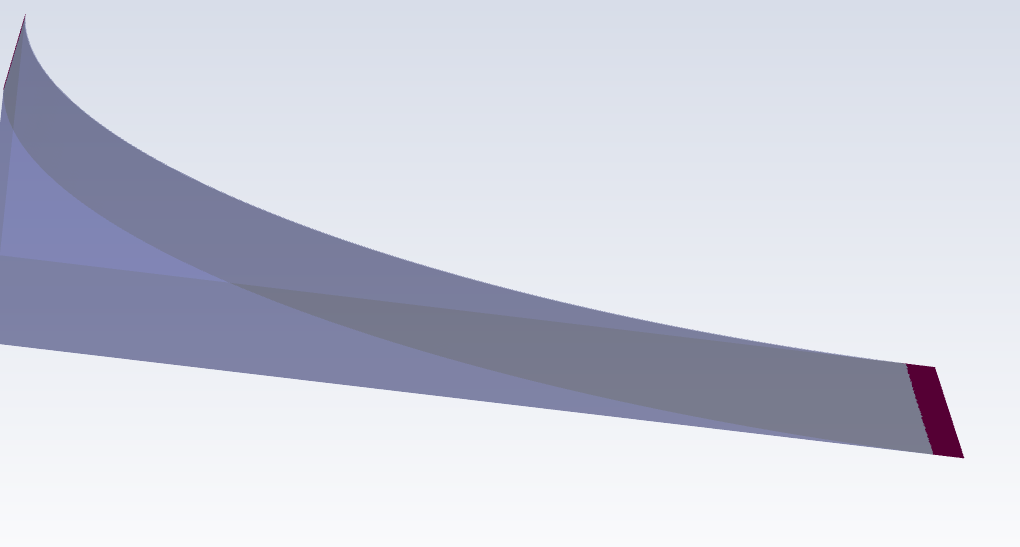
Is it possible to just cut the highlighted part off or rather not mesh it? Specifying a tolerance value for the distance of two faces for example. So all gaps which fall below that tolerance value are not meshed.
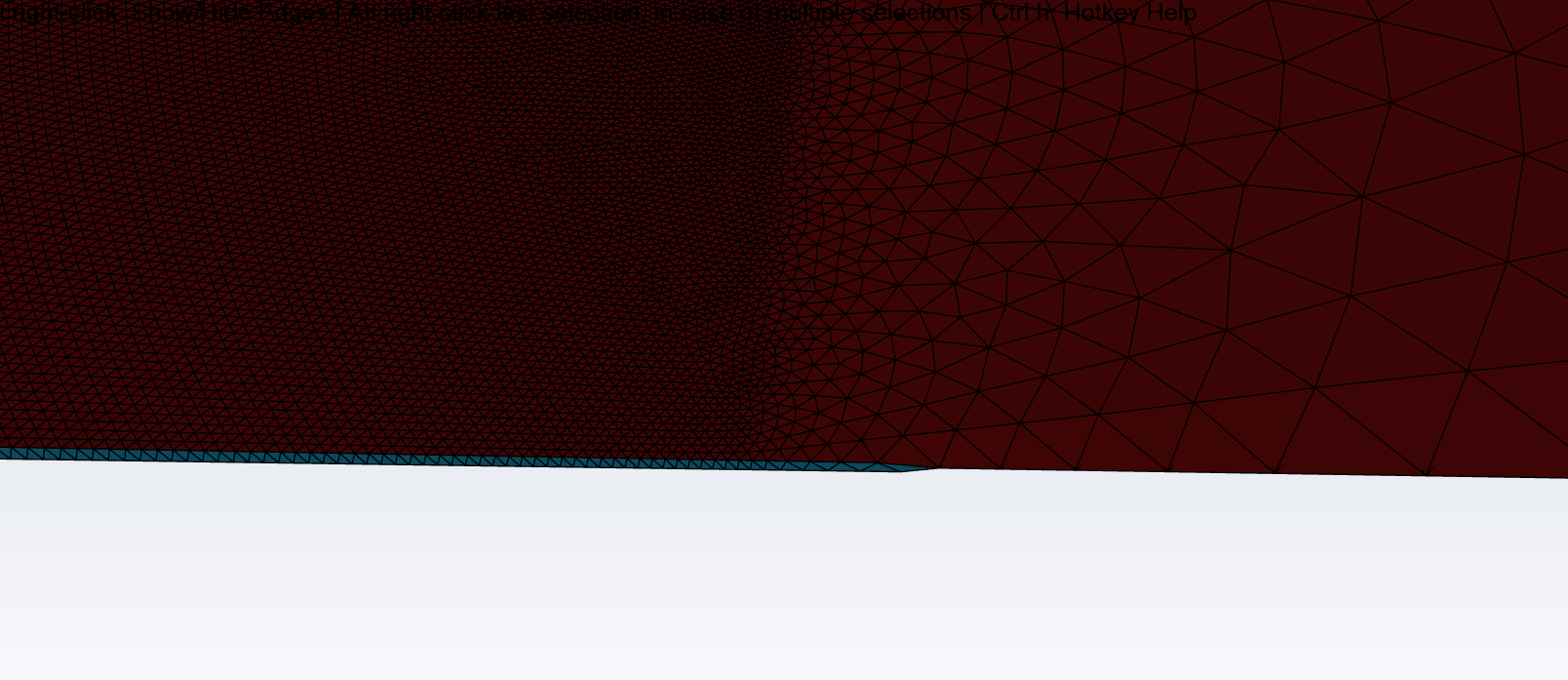
As one can see in the suface mesh, at some point there is virtually no more thickness of the geometry. What I would like to do is to not create any elements in the right side of the part which looks like a shell.
Since the gap is so small, there will be no significant flow anyway.
Thanks in advance for your help
Moritz

























 You are navigating away from the AIS Discovery experience