TAGGED: fluent, mesh, poor-quality-elements, quality-mesh, thin, Thin-Modelling, thin-surface, thin-wall
-
-
April 17, 2025 at 8:23 am
kuumbara
SubscriberHi all,
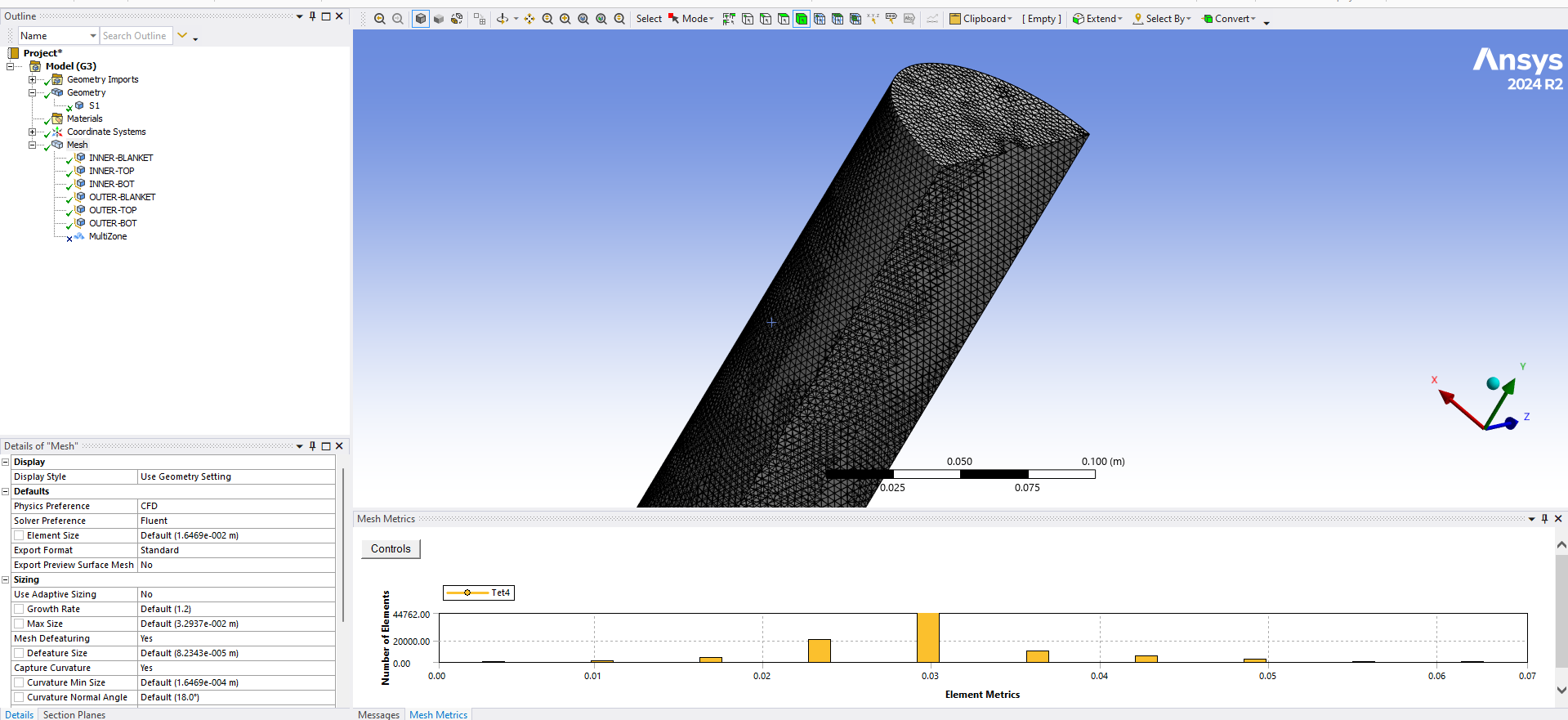
I got a tube with a small hole at the upper part. The tube is hollow, with 0.05mm of thickness. I meshed the body and I did it. But, the Element Quality result is so bad (average 0.03). Is anyone know how to increase the quality of a thin surface/thin body? Or is it okay if I have very bad quality for the thin surface?
-
April 17, 2025 at 7:15 pm
peteroznewman
SubscriberOpen the geometry in SpaceClaim. On the Prepare tab, use the Midsurface button. This will replace the solid body with a surface body that will automatically be assigned a thickness of 0.05 mm. If you got a single surface body with multiple faces, you can close SpaceClaim. If you get multiple surface bodies, on the Workbench tab, click the Share button, then you can close SpaceClaim. When you mesh that geometry in Mechanical, you will get very high quality shell elements instead of very low quality solid elements.
-
April 18, 2025 at 7:56 am
n2390n
SubscriberÂ
hi peteroznewman:
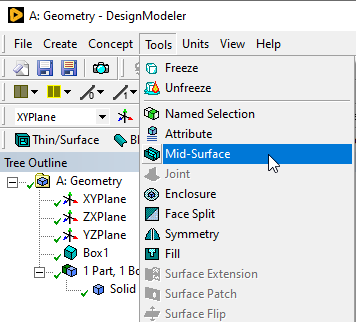
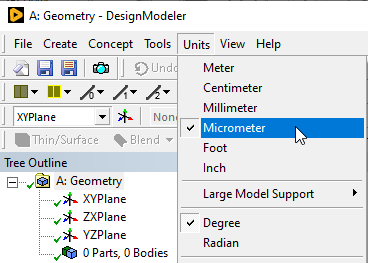
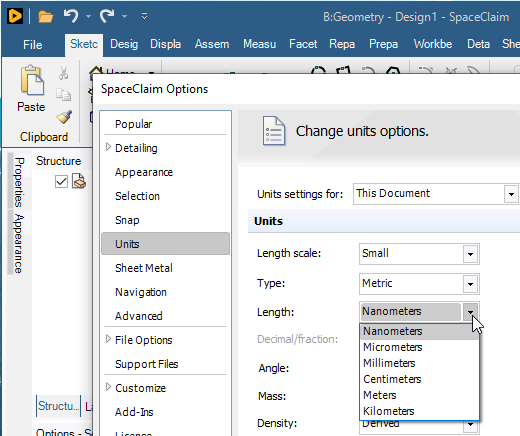
does DesignModeler has same feature? cuz my model quite small (~0.15 um & 15um)
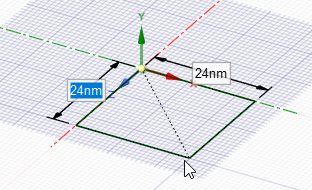
spaceclaim can't support in specific size when it’s come to nmÂ
-
April 18, 2025 at 12:17 pm
-
April 18, 2025 at 2:07 pm
n2390n
SubscriberTHX alot mate
I'll try that feature
-
-
April 18, 2025 at 12:25 pm
kuumbara
SubscriberHi Peter,Â
After I apply "Midsurface" to the geometry, I got 1 surface body and the solid body is automatically suppressed. I meshed the surface body, got amazing mesh quality. But when it is imported to Fluent System, there is a warning saying "This Appear to be a Surface Mesh. Surface Mesh cannot be read under /file/read-case functionality". Do you know how to solve it?Â
-
April 18, 2025 at 2:52 pm
peteroznewman
SubscriberHi kuumbara,
Your description of the hollow tube and the channel you posted the discussion in (General Mechanical) led me to believe you were talking about a structural analysis, not a CFD analysis. The warning is accurate, a 3D surface mesh is not very useful to Fluent.
Does this hollow tube with the small hole in one end contain a fluid volume that you want to solve for fluid flow in Fluent? Once you have solved the fluid flow model, do you want to apply the pressure load to the structural hollow tube model to understand the stress in the tube caused by the fluid boundary conditions?
Fluent needs a solid body in the shape of the inside of the hollow tube. Use SpaceClaim's Volume Extract button on the Prepare tab to create that solid then set the hollow tube solid to Exclude for Analysis so that only the fluid volume gets sent to Fluent for meshing.
Can you describe the results you actually need and the boundary conditions on the model?

-
-
-
April 18, 2025 at 12:48 am
kuumbara
SubscriberIt works! Thank you Peter! All this time I use DesignModeler, that's why I didn't see the menu/setting similar to "Midsurface" in SpaceClaim.
-
- You must be logged in to reply to this topic.
-
4597
-
1495
-
1386
-
1209
-
1021
© 2025 Copyright ANSYS, Inc. All rights reserved.