TAGGED: ansys, ansys-mechanical, maxwell-2d, steady-state-thermal, thermal
-
-
April 27, 2021 at 6:10 am
hadisc2
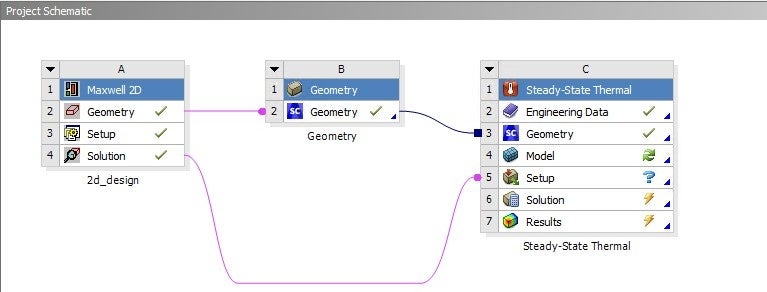
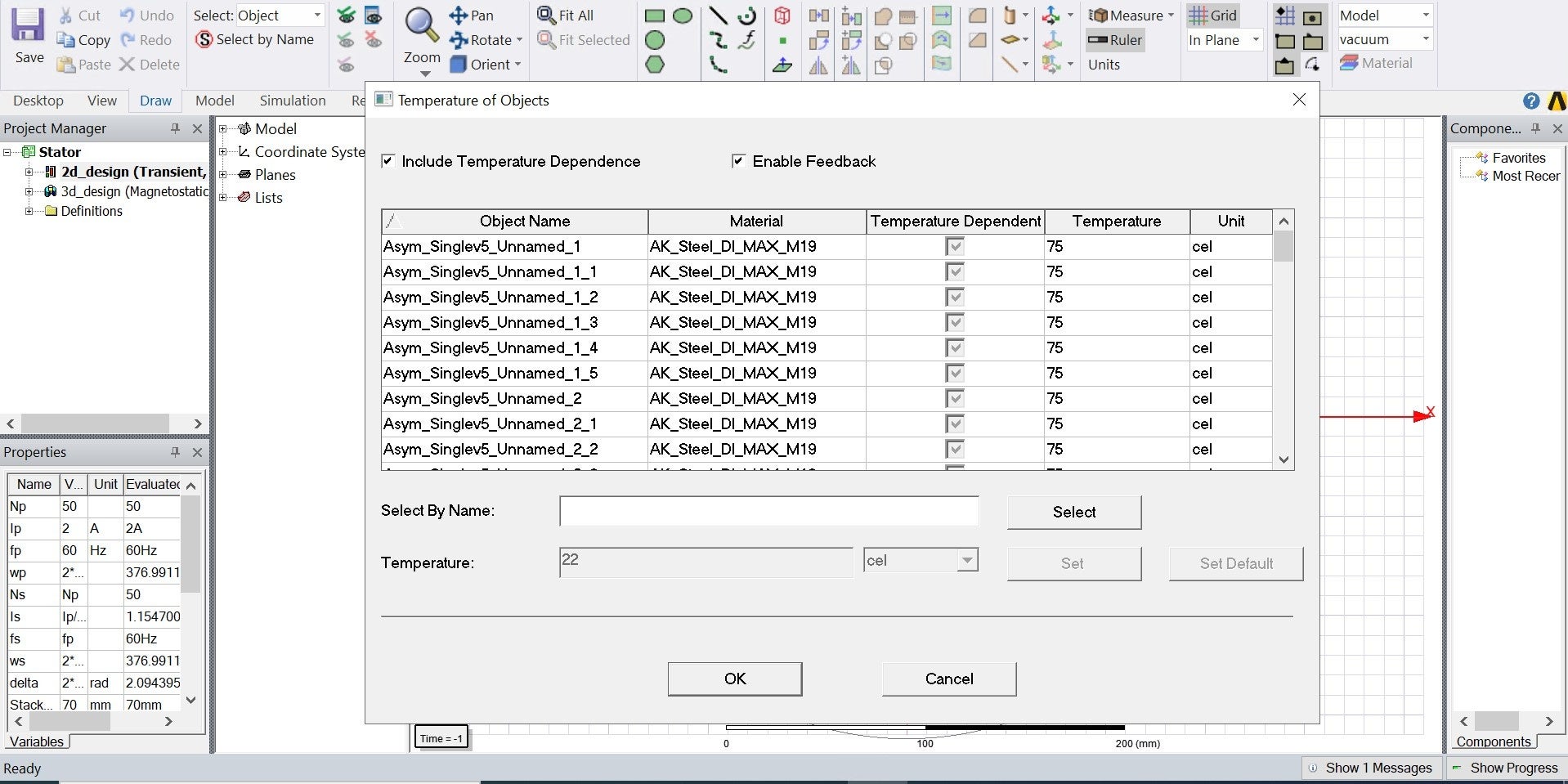
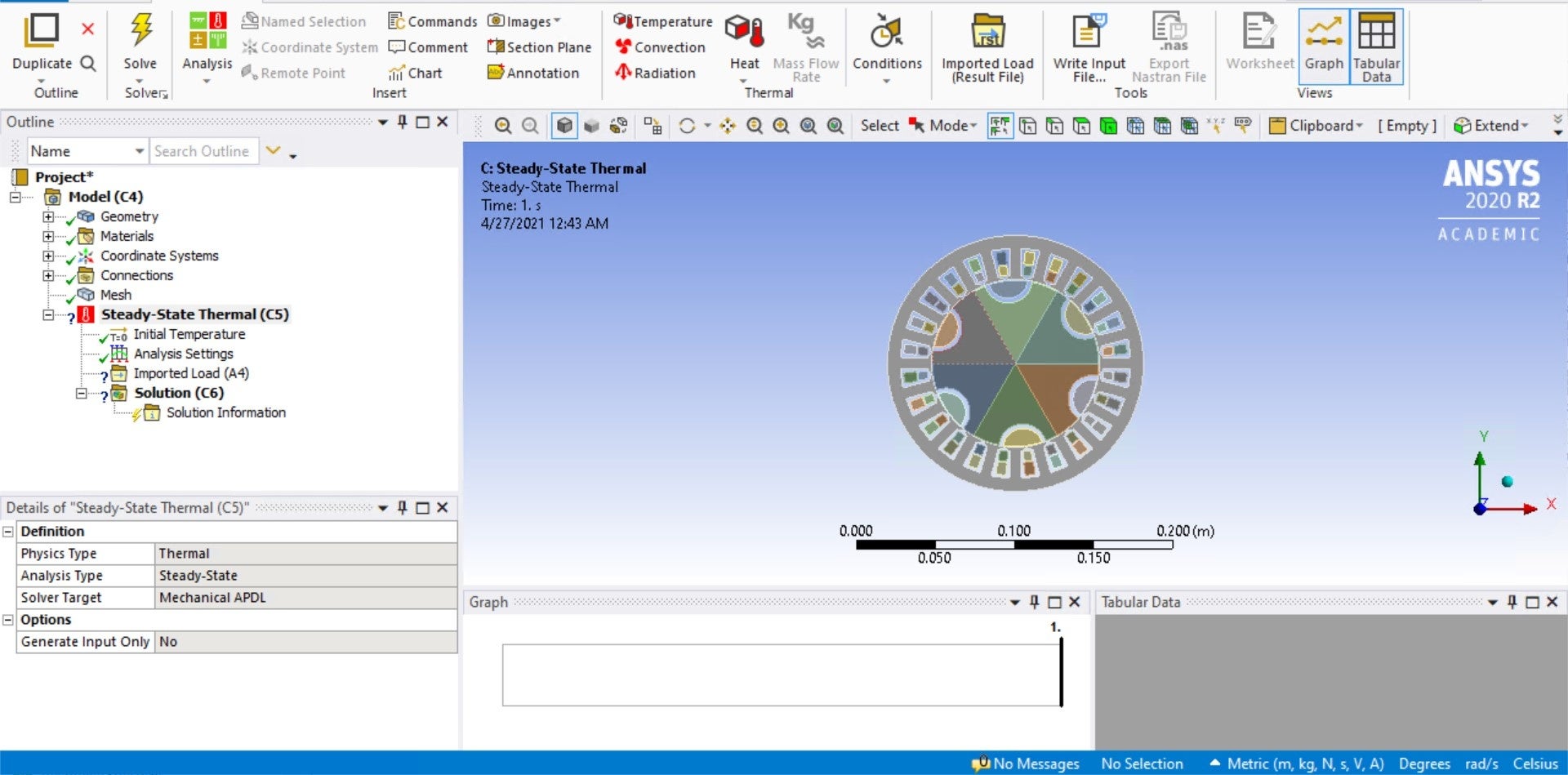
SubscriberHey guys,nnI'm working on a SynRM model for my research group. I've got the Maxwell results and I'm trying to couple Maxwell with Steady-State Thermal simulation. I'm running into an issue because when I connect the Maxwell solution with Steady-State Thermal Setup, I open Mechanical only to find the imported load (A-4) folder to be empty. I've attached screenshots of my workbench, Maxwell object temperature setting, and Mechanical with the post.If anyone can help me out with this, that'd be great!n

n
-
April 27, 2021 at 1:29 pm
Karthik Remella
AdministratorHello,
Please look into this example to understand how to transfer your Maxwell solution to Mechanical (steady-state thermal). Hint: Please use the System Coupling module.
https://ansyshelp.ansys.com/account/secured?returnurl=/Views/Secured/corp/v211/en/sysc_tut/sysc_tut_coilcore_mech.html
Karthik
-
July 5, 2021 at 8:45 am
Ziyang
Subscriber.Hello,
I have installed Workbench2020R2 and ANSYS Electronics Desktop,and i have intergrated it in ansys 2020R2 when installing ANSYS Electronics Desktop,but there's no maxwell 2D/3D in workbench toolbox, can you help me?
.
-
Viewing 2 reply threads
- The topic ‘ANSYS Maxwell to Steady State Thermal Coupling’ is closed to new replies.

Innovation Space
Trending discussions
Top Contributors
-
6495
-
1906
-
1458
-
1308
-
1022
Top Rated Tags
© 2026 Copyright ANSYS, Inc. All rights reserved.
Ansys does not support the usage of unauthorized Ansys software. Please visit www.ansys.com to obtain an official distribution.