Ansys Assistant will be unavailable on the Learning Forum starting January 30. An upgraded version is coming soon. We apologize for any inconvenience and appreciate your patience. Stay tuned for updates.
General Mechanical

General Mechanical

Topics related to Mechanical Enterprise, Motion, Additive Print and more.

[ACP] Mesh overlapping when generating Solid Model

    • Eric
      Subscriber

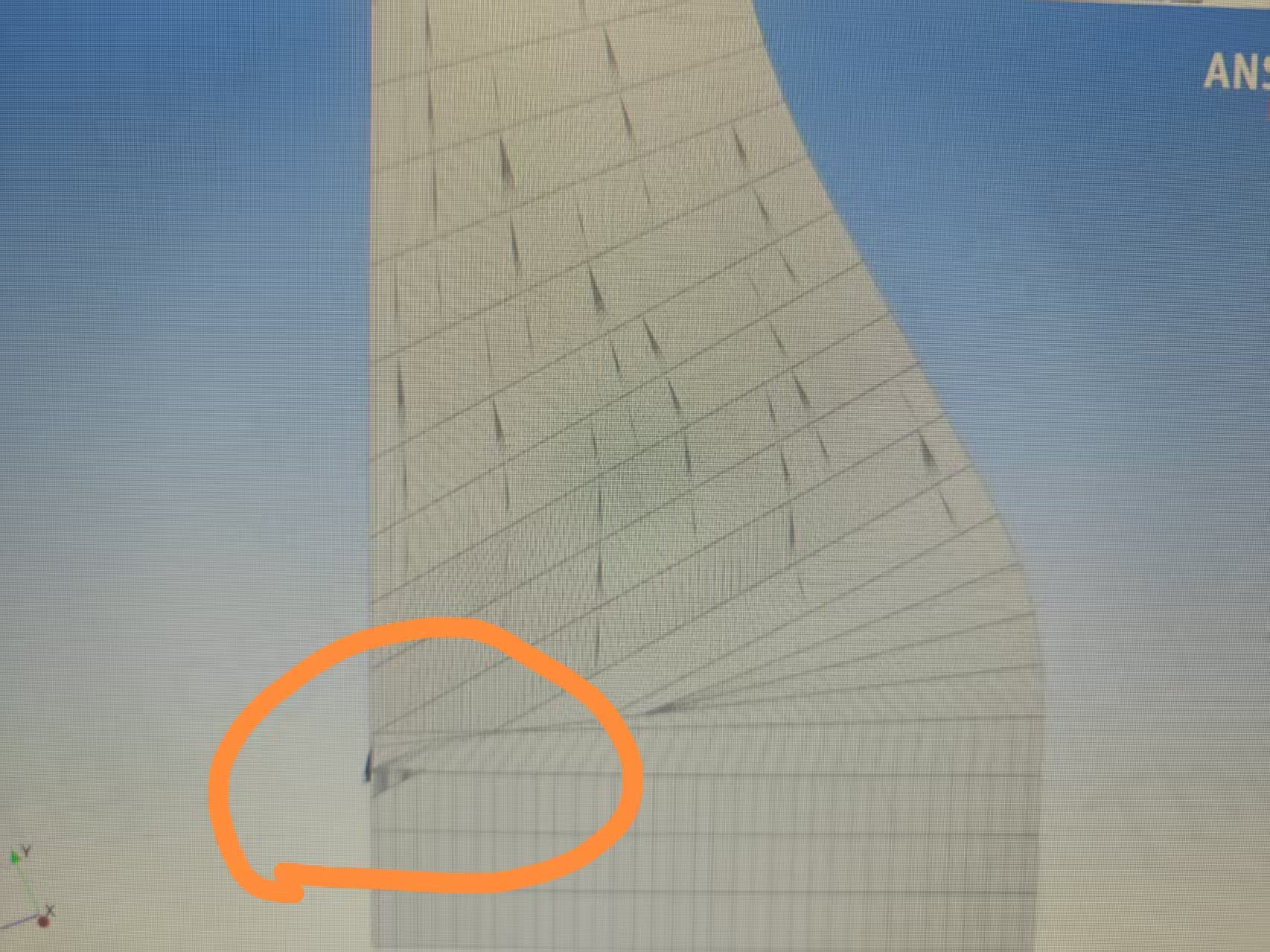
      [ACP] Problme about Solid Model with Drop-Offs. The model is highly tapered with ply drop-off. When generating solid model, there is severe  even with Snap-To Geometry turned on.

      Is there any method to solve this?

      Thank you

    • Thomas Hirche
      Ansys Employee

      Hi Eric,

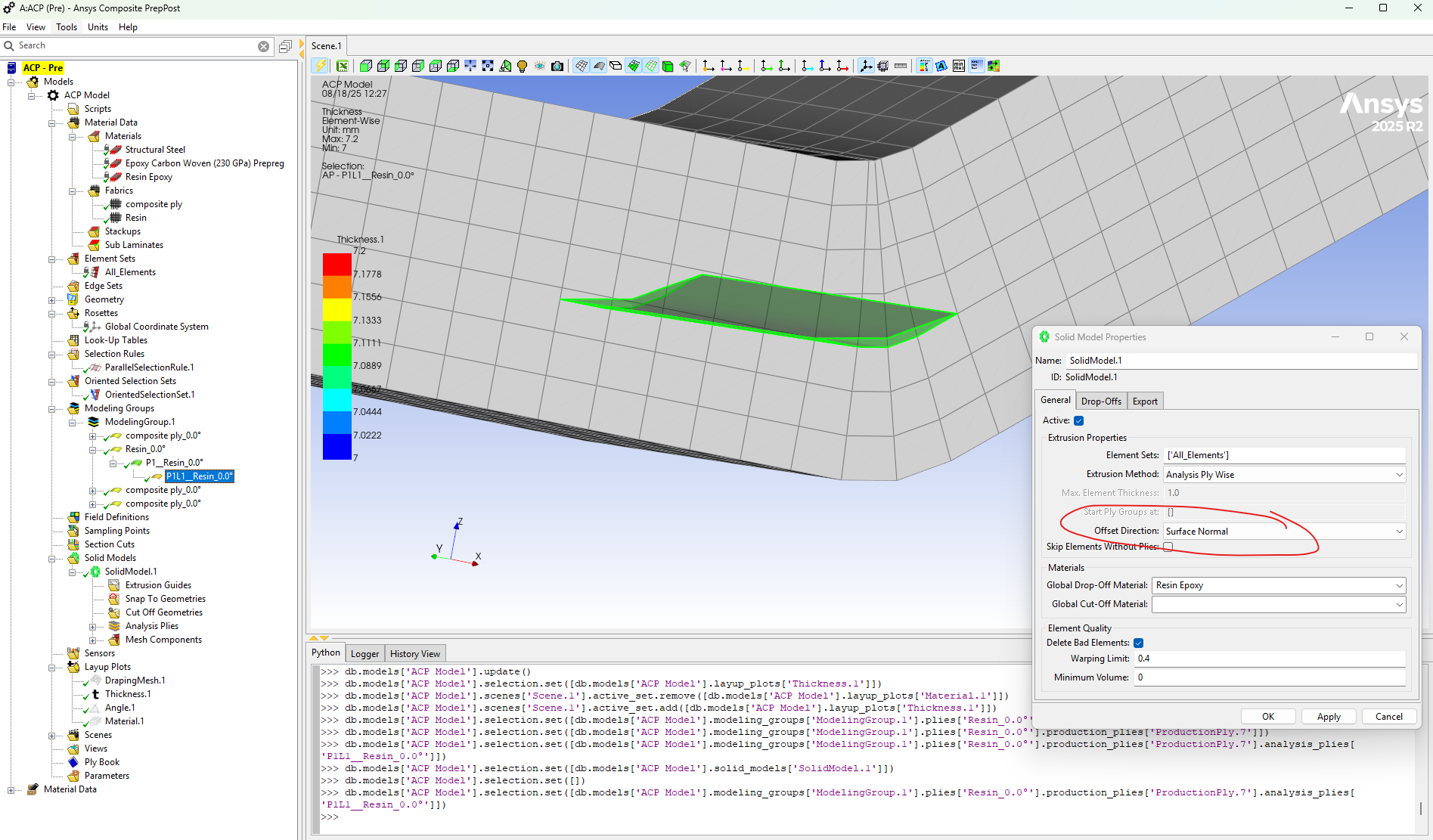
      Try using Solid Model option for "Offset Direction = Surface Normal". It accounts for local extrusion direction adjustment based on the solid element faces and not on the the reference shell mesh. This approach would work to some extend if you have local plies in the curved area. This would be required also when building the part, otherwise you'd face bridging issues in the radius area. However this will also be limited depending severity of the part thickness to radius ratio - as you see it also in reality. Check out the attached snapshot where you can see the adjusted extrusion direction due to the "Surface Normal" option. The local ply represent a resin pocket or a some ply with local boundaries to fill the potential void: 

      If that doesn't work you might also use Imported Solids and mapping. Be cautios for solid element orientation - ply normals need to be well aligned solid element normals. If these methods do not help sufficiently, I'd like to advise to open a Support Case.

      Regards

      Thomas 

Viewing 1 reply thread
  • You must be logged in to reply to this topic.
[bingo_chatbox]