Hello Aniket,
thank you for your response.
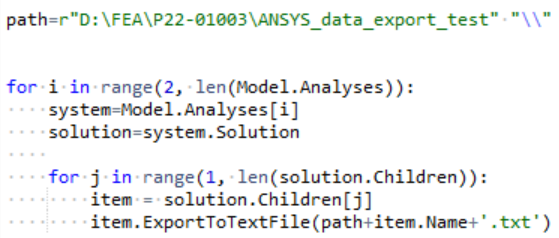
I was able to write a Python script that works, based on the information I've found in the following post:
/forum/forums/topic/tabular-data-extraction/
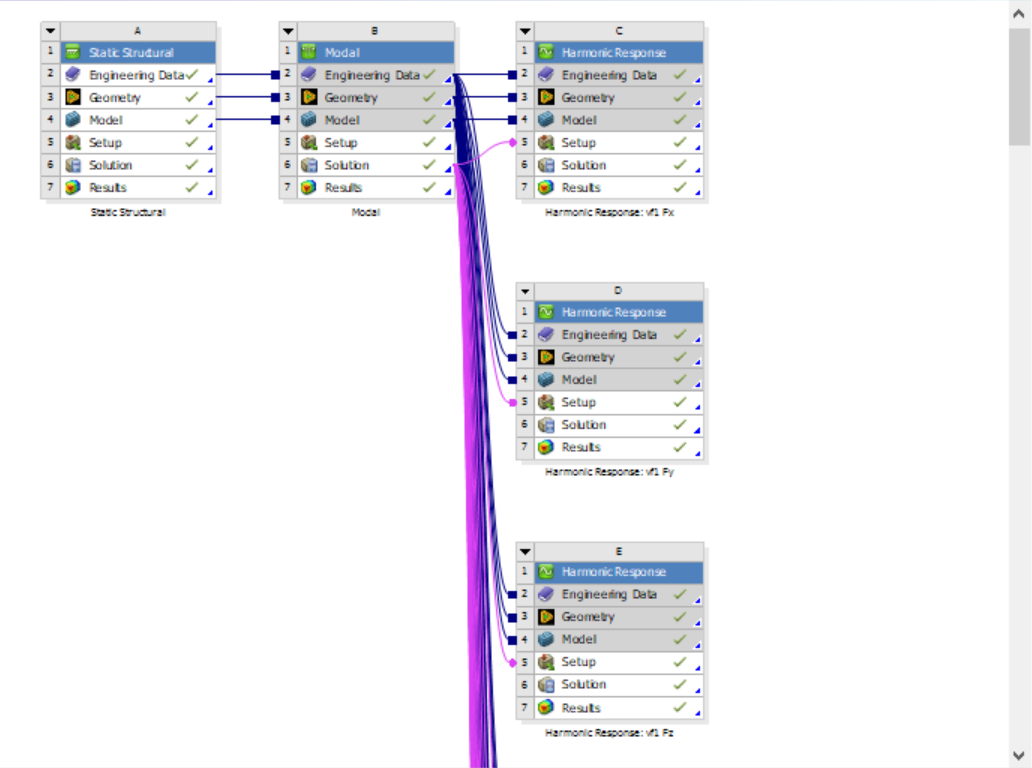
My script goes through all results from the selected analysis systems
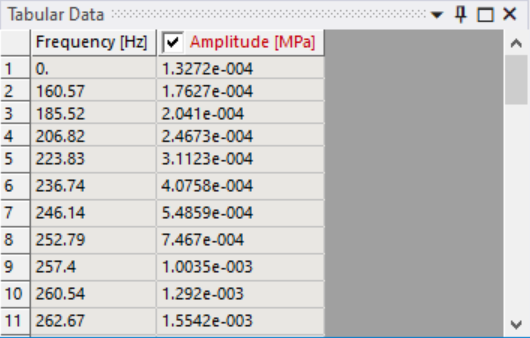
and exports defined columns (in this case #2 and #3) from the Tabular Data panel to separate .csv files.
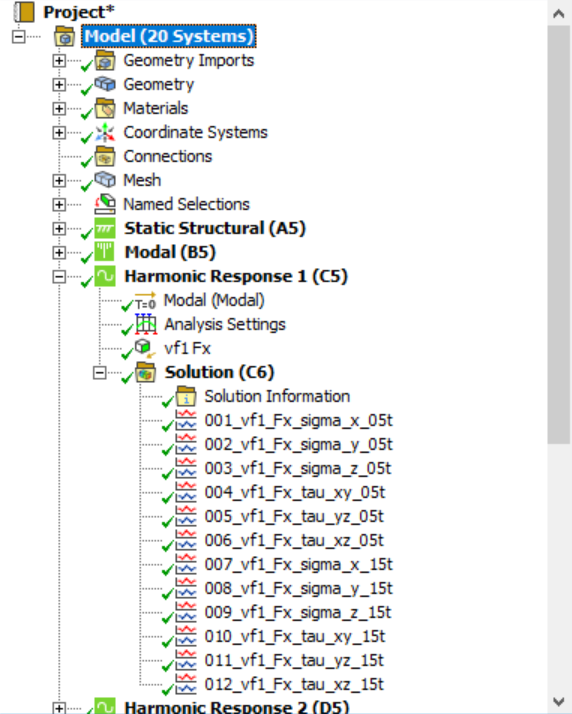
Name of each file is the name of the given result (e.g., 001_vf1_Fx_sigma_x_05t, as shown in the 2nd picture in my original post above).
import csv
path=r"D:\FEA\P22-01003\ANSYS_data_export_test" "\\"
for i in range(2, len(Model.Analyses)):
system=Model.Analyses[i]
solution=system.Solution
for j in range(1, len(solution.Children)):
item = solution.Children[j]
item.Activate()
pane = ExtAPI.UserInterface.GetPane(MechanicalPanelEnum.TabularData)
table = pane.ControlUnknown
frequency = []
for row in range(2, table.RowsCount+1):
cellText = table.cell(row, 2).Text
frequency.append(float(cellText))
amplitude = []
for row in range(2, table.RowsCount+1):
cellText = table.cell(row, 3).Text
amplitude.append(float(cellText))
with open(path+item.Name+".csv", 'wb') as f:
writer = csv.writer(f)
writer.writerows(zip(frequency, amplitude))
print('done')
I just wanted to share it in case someone else has a similar problem to solve.
Take care and have a good one!



















 You are navigating away from the AIS Discovery experience